
Third-party Integrations
Saber Feedback can be set up to send feedback details to a number of third-party tools, via its direct integrations with Zendesk, Jira, Linear, Trello , Slack, Asana, Redmine , Basecamp , GitHub, and GitLab. Saber Feedback also supports integration with Zapier, through which you can integrate with over 200 other tools and services, as well as custom webhook integrations. You can also set up Saber Feedback to email you with the details from every feedback report.
Setting up a new integration
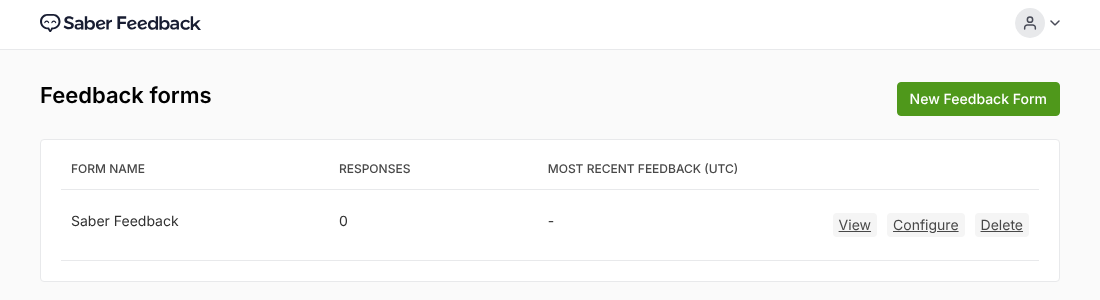
From the Feedback forms page, click View next to the form you’d like to set up an integration for.
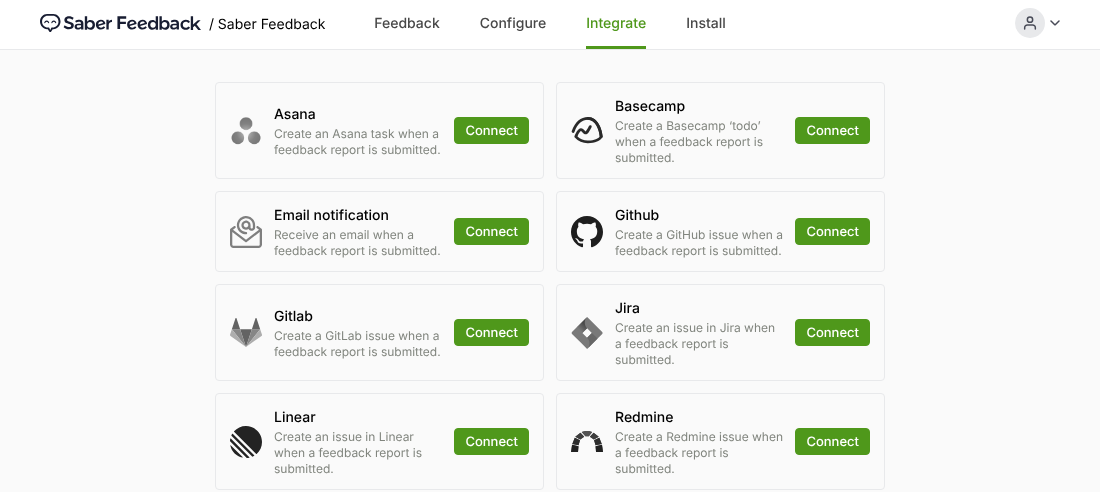
Then click the Integrate tab at the top of the page. You’ll see every available integration. Click Connect next to the one you’d like to set up.
Once an integration is set up, it’s marked Connected. To change its settings or disconnect it, click the ⋯ menu next to it and choose Edit integration or Disconnect.
Setup instructions for your specific integration can be found here: